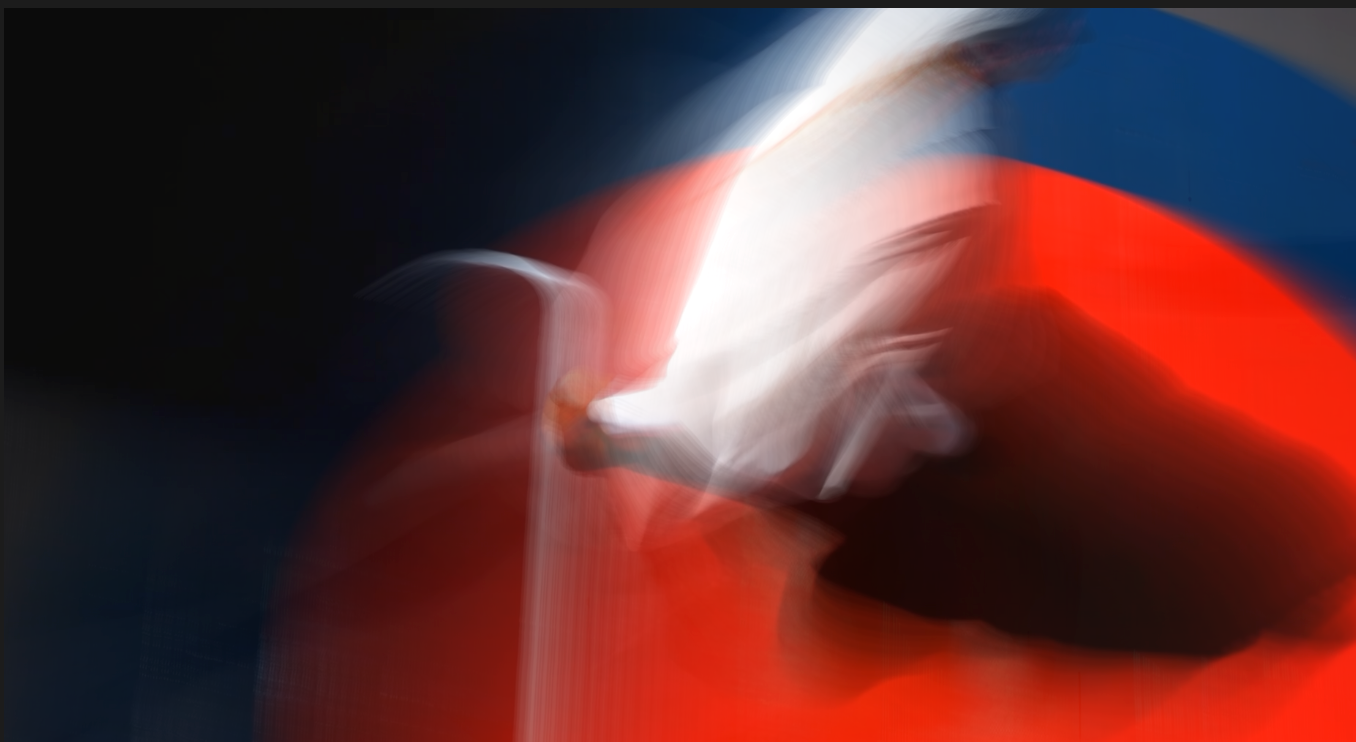
Real-time filters
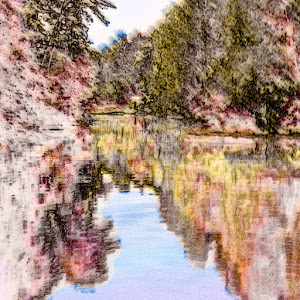
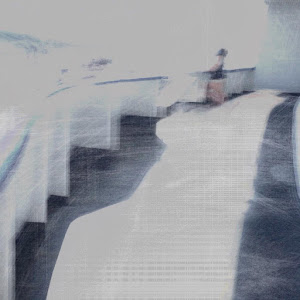
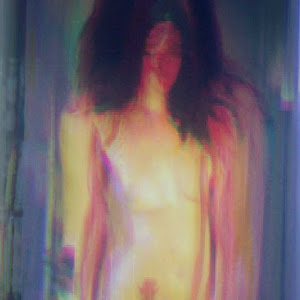
Motion Brush, Mulch, Motion Flow, Rain, Paint, Sketch, Thermal, Black, SmoothToon, and ChromaKey.
 MulchCam
Real-time camera alchemy
MulchCam turns motion, memory, and live video into layered visual performances for iPhone, iPad, and Mac.
MulchCam for iOS
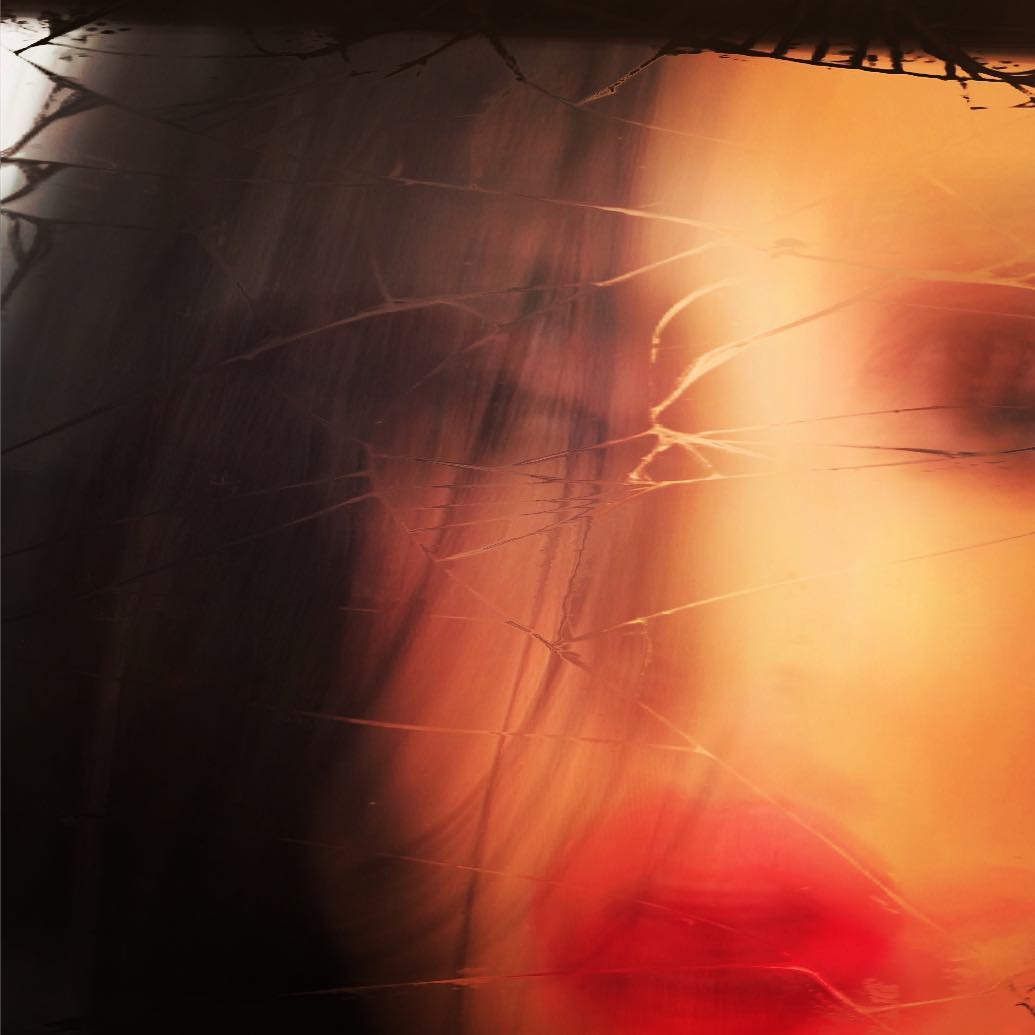
Move the blue slider to see time. The original iOS app captures expressive videos by combining live camera input with temporal filter layering.
Now on macOS
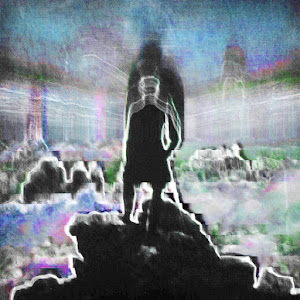
The macOS version turns live camera, NDI, or movie-file input into motion-reactive art in real time, bringing MulchCam's temporal filters to desktop performance setups.
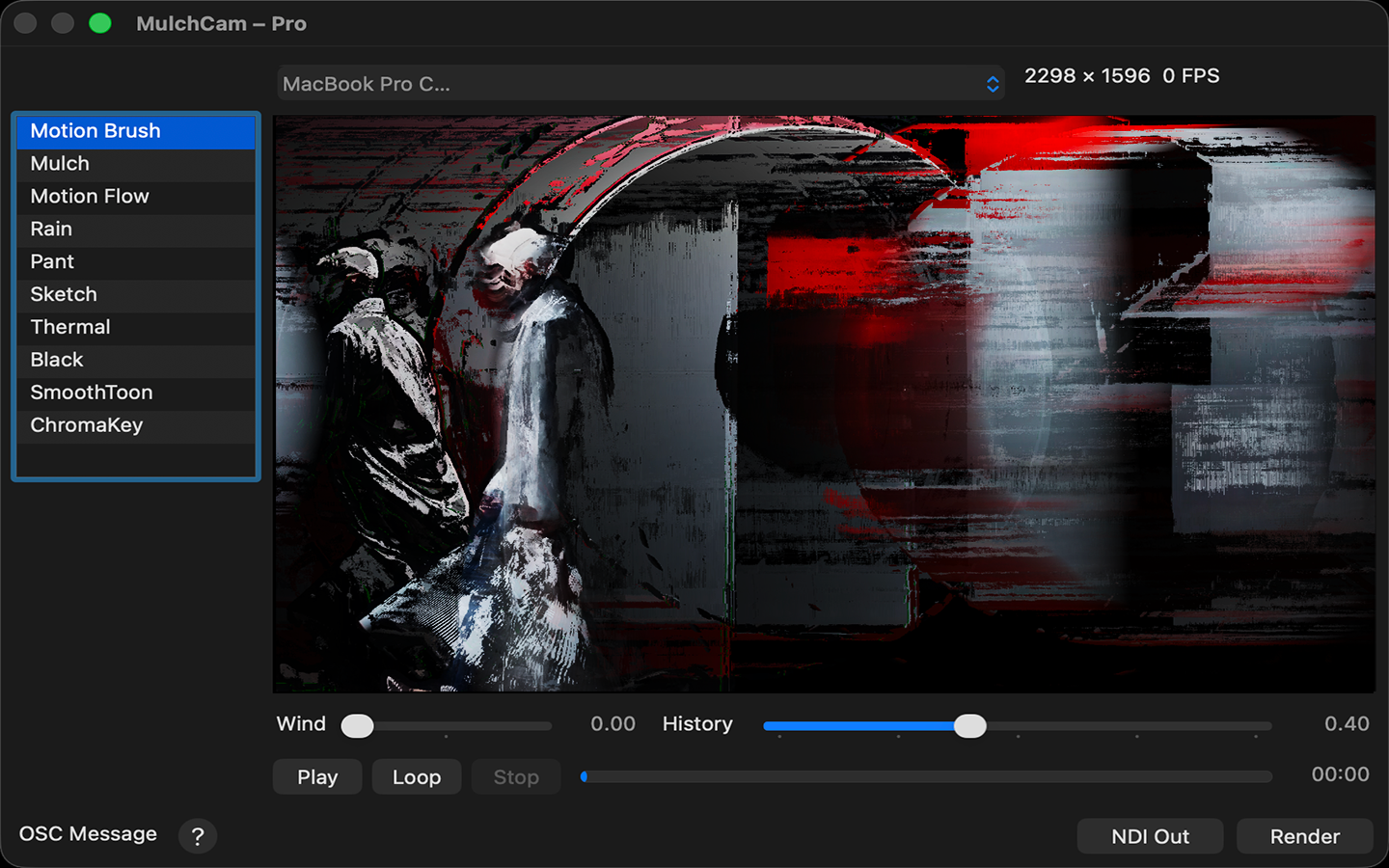
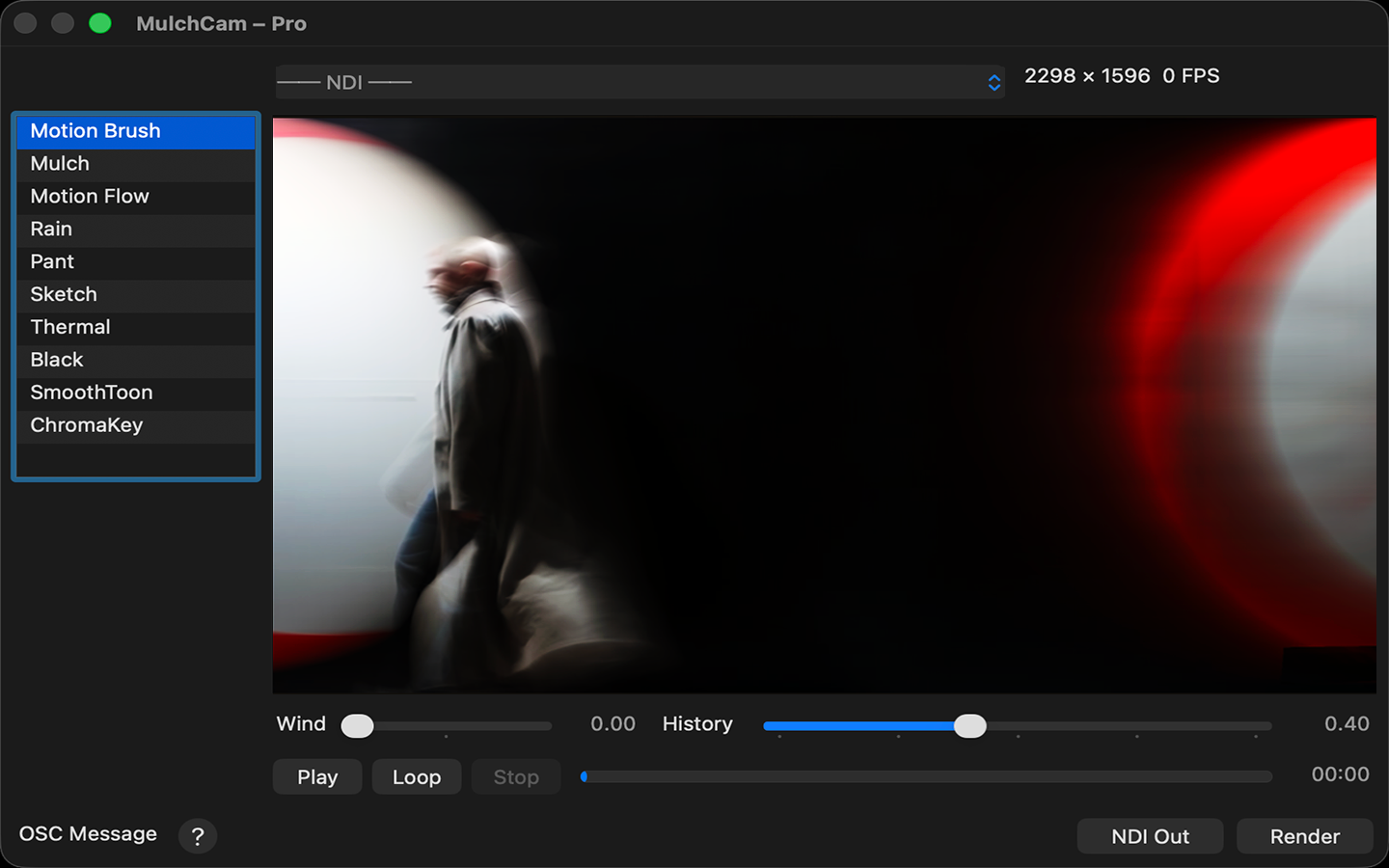
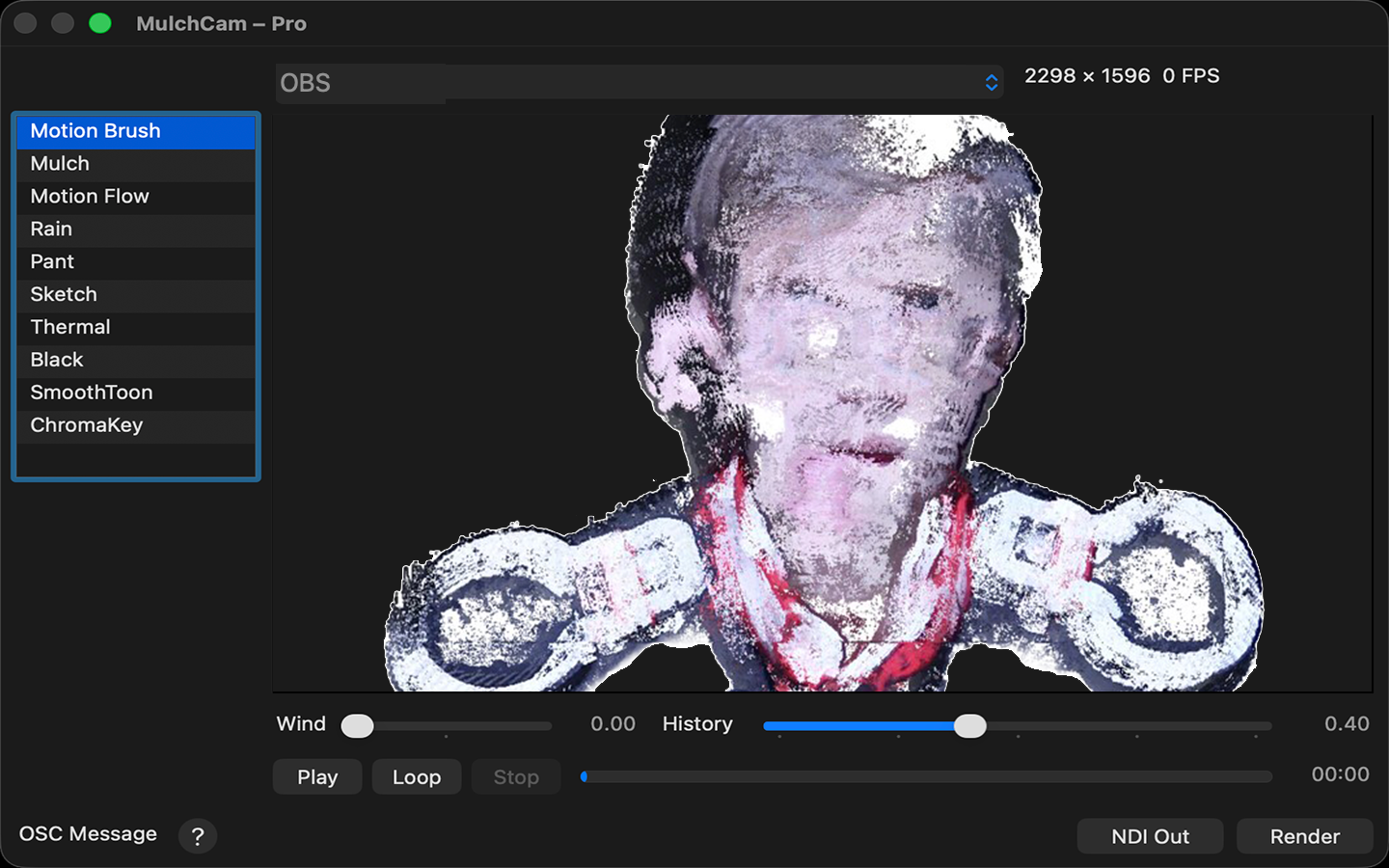
Motion Brush, Mulch, Motion Flow, Rain, Paint, Sketch, Thermal, Black, SmoothToon, and ChromaKey.
NDI input and output for workflows with OBS, Isadora, cameras, and other network video sources.
Recording, video-file input, and OSC remote control make MulchCam easier to use in repeatable live rigs.
Syphon In/Out is available in the non-App Store build; the App Store version focuses on camera, file, NDI, and OSC workflows.